AI Image Enhancement: Upscale Photos to 4K Quality
Transform low-resolution images into crisp, detailed visuals with 5 enhancement modes.
ecomVance
Advanced AI for E-Commerce

What is AI Image Enhancement?
AI image enhancement uses neural network super-resolution technology to intelligently upscale low-resolution images, remove noise, and eliminate compression artifacts. Unlike traditional upscaling that creates blurry results, AI enhancement adds intelligent detail based on understanding what the image contains.
- Upscale images 2x-4x with intelligent detail addition
- Five specialized modes for different image problems
- Remove noise, grain, and JPEG compression artifacts
- Output in lossless PNG for maximum quality preservation
Low-resolution images, JPEG artifacts, and noise are common problems that plague product photography. ecomAI's Image Enhance uses cutting-edge AI super-resolution to transform low-quality photos into crisp, detailed images ready for any use case.
Key Takeaways
- 1AI super-resolution upscales images 2x-4x with intelligent detail
- 2Five specialized modes for different image quality issues
- 3SwinIR AI model delivers professional-grade results
- 4Fixed pricing: 50 credits per image regardless of mode
- 5Output in lossless PNG for maximum quality preservation
The Resolution Problem in E-commerce
E-commerce sellers often work with less-than-perfect source images: supplier photos that are too small, smartphone shots with noise, or old catalog images with compression artifacts. These limitations can seriously impact the perceived quality of your products and conversion rates.
Traditional upscaling simply makes images bigger without adding detail, resulting in blurry, pixelated results. AI-powered super-resolution is fundamentally different—it actually adds intelligent detail based on understanding what the image contains.
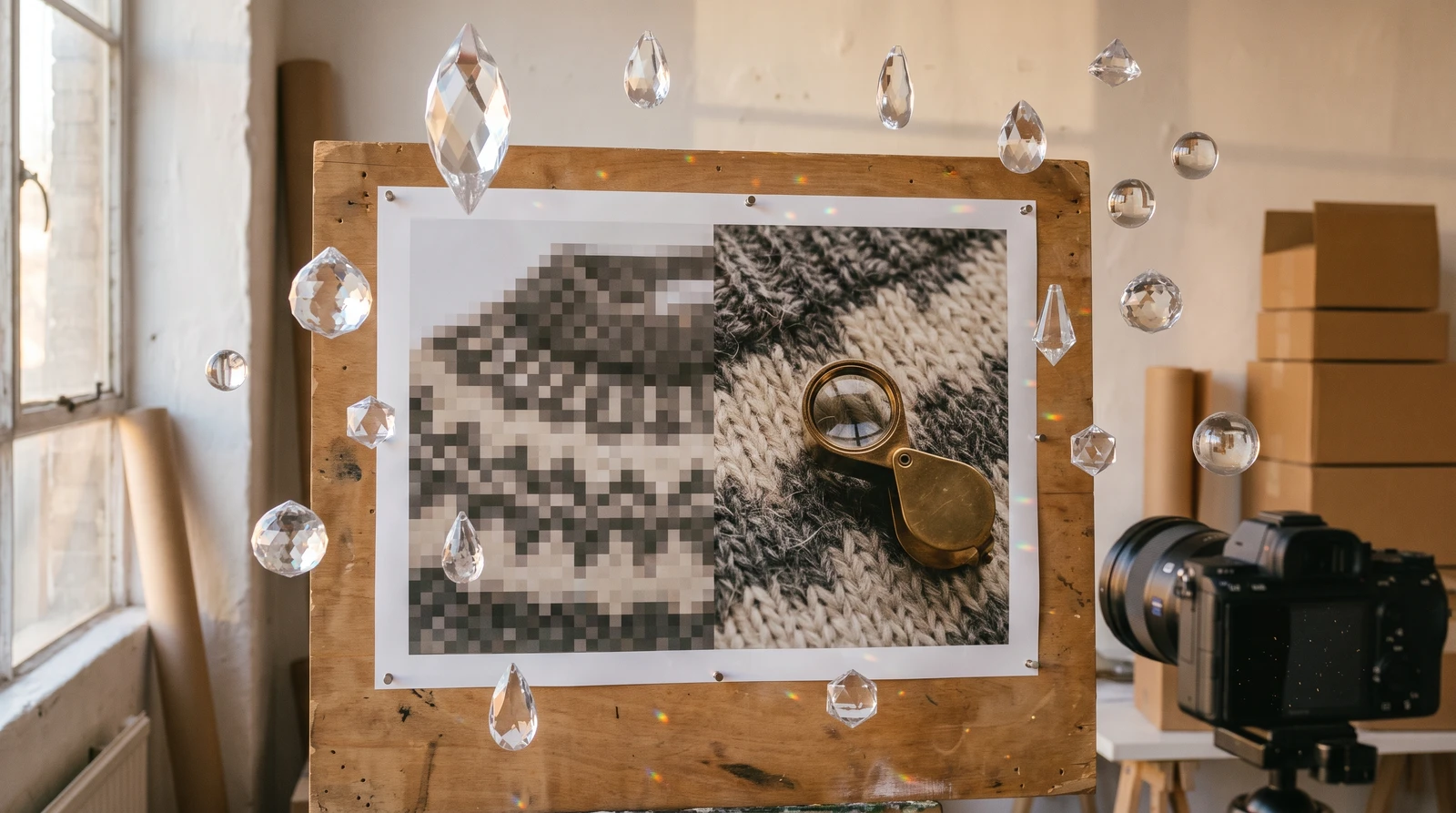
What is AI Image Enhancement?
AI image enhancement uses the SwinIR neural network model to intelligently upscale and improve image quality. Whether you have a low-resolution product photo or a compressed image with artifacts, AI can restore and enhance it to professional quality suitable for enterprise e-commerce.
5 Specialized Enhancement Modes
From super-resolution upscaling to noise reduction and compression artifact removal—ecomAI offers five specialized modes to address your specific image quality issues.
Five AI Enhancement Modes Explained
1. Real-World Super-Resolution-Large
Maximum upscaling power for real photos. Best for: product photography, low-resolution catalog images, smartphone photos, and scanned images. This is the most popular mode for e-commerce image enhancement.
2. Real-World Super-Resolution-Medium
Balanced quality with faster processing. Good for quick upscaling needs when the Large mode is too aggressive or when source quality is already decent.
3. Grayscale Image Denoising
Removes noise from black and white photos, scanned documents, vintage image restoration, and grayscale product shots while preserving detail.
4. Color Image Denoising
Removes noise while preserving color accuracy. Perfect for noisy smartphone photos, low-light photography, and grainy color photos.
5. JPEG Compression Artifact Reduction
Specifically targets compression artifacts from over-compressed JPEGs, downloaded web images, and multiple-save degradation. Essential for restoring images sourced from the web.
| Your Image Problem | Recommended AI Enhancement Mode |
|---|---|
| Low resolution product photos | Super-Resolution-Large |
| Slightly low resolution | Super-Resolution-Medium |
| Noisy black & white photos | Grayscale Denoising |
| Noisy color photos | Color Denoising |
| JPEG artifacts/blocky images | Compression Artifact Reduction |
How to Enhance Product Images with AI
Follow these steps to upscale and enhance your e-commerce product images using ecomAI's AI image enhancement tool.
Upload Your Product Image
Upload the image you want to enhance. Supports PNG, JPG, JPEG, and WEBP formats. Higher quality input yields better results.
Select Enhancement Mode
Choose the appropriate enhancement mode based on your image's issues: Super-Resolution for upscaling, Denoising for noise, or Artifact Reduction for JPEGs.
Process the Image
AI processes your image in 20-40 seconds using the SwinIR neural network model to intelligently enhance quality.
Download Enhanced PNG
Download your enhanced image as a lossless PNG file, ready for use on any e-commerce platform or marketing material.
What AI Image Enhancement Can Do
- Upscale resolution significantly (2x-4x)
- Sharpen soft details and edges
- Remove noise and grain patterns
- Reduce JPEG compression artifacts
- Enhance overall image clarity and sharpness
Limitations of AI Enhancement
- Cannot create detail that doesn't exist at all in the source
- Cannot fully fix severe motion blur
- Cannot recover completely black or white (clipped) areas
- Cannot perfectly correct heavily out-of-focus images
Use Cases for AI Image Enhancement
E-commerce Product Image Upscaling
Take old 500px product photos and upscale them to 2000px+ with enhanced detail—perfect for high-quality product pages on Shopify, Amazon, and other platforms.

Social Media Content Enhancement
Transform low-res phone images into crisp, Instagram-worthy content. Essential for maintaining brand quality across all social platforms.
Print Material Preparation
Web images rarely have enough resolution for print. AI image enhancement can make them print-ready for brochures, catalogs, and marketing materials.
Simple, Predictable Pricing
All enhancement modes cost just 50 credits per image (~$0.50)—simple, predictable pricing regardless of which mode you choose or how large your image is.
Best Practices for AI Image Enhancement
| ✅ Do This | ❌ Avoid This |
|---|---|
| Use original files when possible | Over-compressed source images |
| Higher resolution input = better results | Extremely tiny images (<100px) |
| Good lighting in source helps | Very dark or overexposed images |
| Clear, sharp subject | Severe motion blur (can't be fixed) |
Getting Started with AI Image Enhancement
AI image enhancement works perfectly in combination with other ecomAI tools. A typical workflow might be: Object Removal → Background Removal → Image Enhance for the ultimate product image quality.
Pro Tip for Best Results
Enhancement works best on reasonably good source images. It enhances what's there—it can't create what isn't. Start with the best quality input you have available, and consider our pricing plans for volume processing.
Related Tools You Might Like
AI Background Removal
Remove backgrounds before or after enhancing your product images.
AI Object Removal
Clean up unwanted objects before enhancing image quality.
AI Style Cloning
Apply professional photography styles to your enhanced product images.
AI Product Placement
Place enhanced products in professional lifestyle scenes.
Frequently Asked Questions
How much can AI upscale my product images?
ecomAI's Image Enhance can upscale images 2x-4x their original resolution. For example, a 500px image can be enhanced to 2000px+ while adding intelligent detail and sharpness.
What's the difference between AI upscaling and regular upscaling?
Traditional upscaling simply makes images bigger by duplicating pixels, resulting in blurry results. AI upscaling uses neural networks to intelligently add detail, sharpen edges, and enhance textures based on understanding what's in the image.
Which enhancement mode should I use for my images?
For product photos: Super-Resolution-Large. For slightly low-res images: Super-Resolution-Medium. For noisy photos: Color or Grayscale Denoising. For over-compressed JPEGs: Compression Artifact Reduction.
How long does AI image enhancement take?
Image enhancement typically takes 20-40 seconds depending on the selected mode and image size. Output is always a lossless PNG to preserve maximum quality.
Can AI fix blurry or out-of-focus images?
AI enhancement works best on reasonably sharp images that just need resolution improvement. While it can reduce some softness, it cannot fully correct severe motion blur or completely out-of-focus images.
Related Articles

Introducing ecomAI: Complete Image Enhancement Suite
From background removal to AI-powered upscaling and product descriptions. The essential toolkit for professional e-commerce imagery with one-click transformations.

AI Background Removal: Clean Product Images in 5 Seconds
Remove backgrounds from product images instantly with AI. Get transparent PNG files ready for any platform. Just 20 credits per image with professional results.

AI Object Removal: Erase Unwanted Items from Photos
Intelligently remove unwanted objects while AI reconstructs the background seamlessly. 12-rule AI system ensures photorealistic results every time.