Veo 3.1 Image-to-Video: Transform Photos into Cinematic Videos
Transform static images into professional videos with Google Veo 3.1.
ecomVance
Advanced AI for E-Commerce

What is Veo 3.1 Image-to-Video?
Veo 3.1 Image-to-Video is Google's most advanced AI video generation tool that transforms static images into professional cinematic videos. Describe the motion you want (camera movement, subject animation, atmosphere), and AI creates videos with realistic physics and optional AI-generated audio in 2-5 minutes.
- Powered by Google's cutting-edge Veo 3.1 AI model
- Video durations: 4, 6, or 8 seconds (400-800 credits)
- Aspect ratios: 16:9 landscape and 9:16 portrait
- Optional AI-generated ambient audio
- Traditional video: $2,000-$10,000+. AI: 400-800 credits
Key Takeaways
- 1Transform any static image into professional video content
- 2Describe motion: camera movement, subject animation, speed, atmosphere
- 34 seconds: 400 credits, 6 seconds: 600 credits, 8 seconds: 800 credits
- 416:9 for YouTube/web, 9:16 for TikTok/Reels/Stories
- 5Optional AI audio or export silent for custom branded audio
Turn any image into cinematic video. Veo 3.1 Image-to-Video uses Google's most advanced video generation AI to animate your static images with professional motion, realistic physics, and optional AI-generated audio.
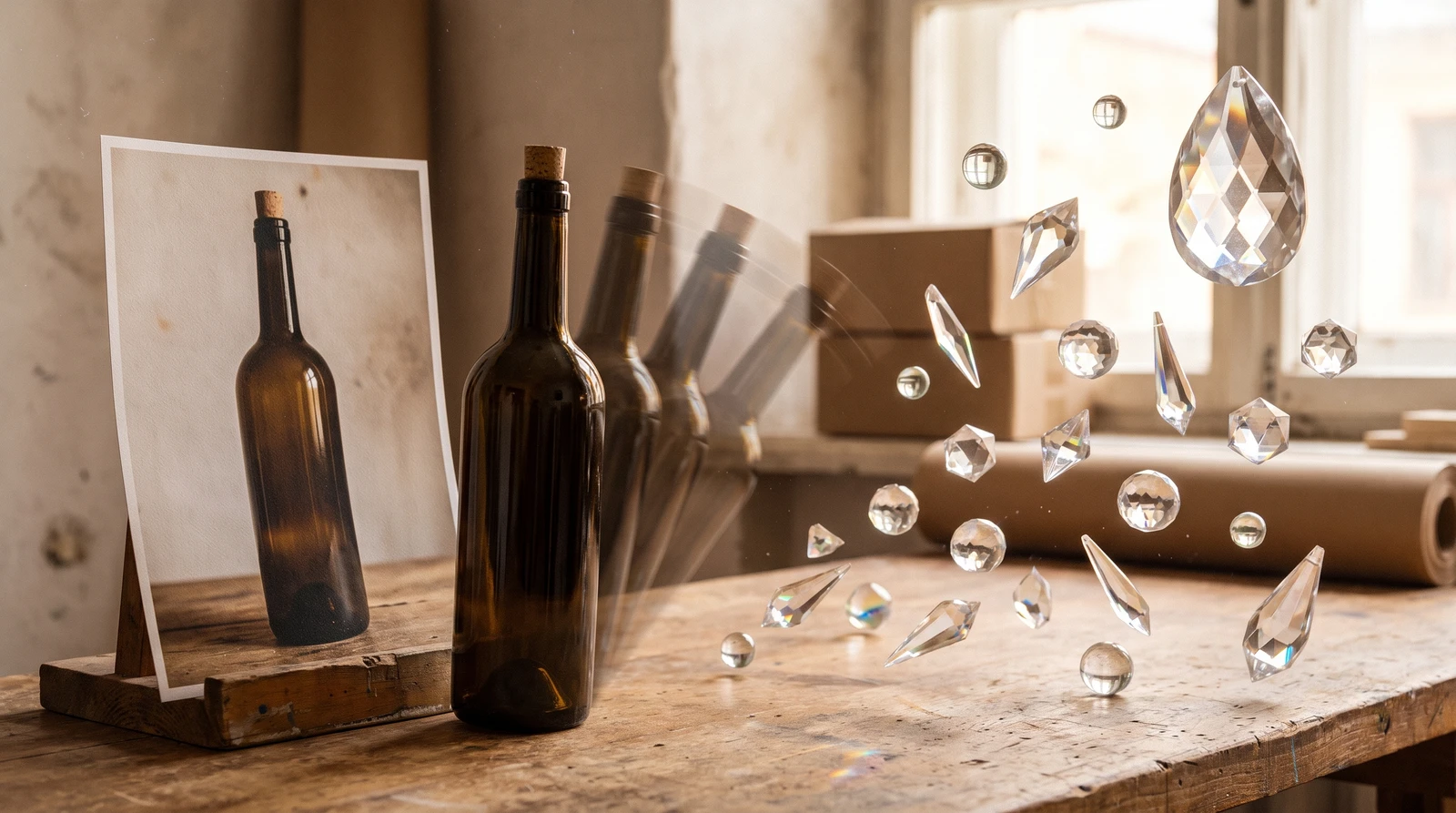
From Static to Motion
Video content dramatically outperforms static images in engagement, but professional video production is expensive. Equipment, videographers, editing—the costs add up quickly. Even simple product rotation videos can cost hundreds of dollars.
What if you could transform any existing image into professional video content? That's the power of AI video generation.
Introducing Veo 3.1 Image-to-Video
Veo 3.1 Image-to-Video takes any static image and animates it based on your motion description. Product rotations, model walks, scene animations—describe the motion you want, and Google's cutting-edge AI brings your images to life.
Google's Best Video AI
Veo 3.1 represents the cutting edge of AI video generation. Create professional-quality videos with realistic motion, natural physics, and optional AI-generated audio.
How It Works
How to Create AI Videos from Images
Transform your static images into professional video content in four steps.
Upload your source image
Add your product photo or lifestyle image. Use high-resolution images (1080p+) with good lighting and clear subjects for best results.
Write a motion description
Describe how you want the image animated: camera movement (orbits, zooms, pans), subject motion (rotates, flows), speed (slowly, smoothly), and atmosphere (cinematic, dramatic).
Configure video settings
Select duration (4, 6, or 8 seconds), aspect ratio (16:9 landscape or 9:16 portrait), and whether to include AI-generated audio.
Generate your video
AI creates your professional video in 2-5 minutes with realistic motion, natural physics, and optional ambient audio.
Motion Descriptions
Effective motion prompts describe what moves and how:
| Element | Examples |
|---|---|
| Camera Movement | slowly circles, zooms in, pans left, tracking shot |
| Subject Motion | product rotates, model walks, fabric flows |
| Speed | slowly, gradually, quick, smooth |
| Lighting Changes | light shifts, shadows move, highlights catch |
| Atmosphere | dreamy, cinematic, dramatic, energetic |
Example Motion Prompts
| Video Type | Motion Description |
|---|---|
| Product Rotation | The camera slowly orbits 360 degrees around the watch, maintaining focus on the dial. Light catches the crystal at different angles, creating subtle reflections. Smooth, continuous motion. |
| Product Reveal | Camera starts close on product detail, then smoothly pulls back to reveal the full product. Dramatic lighting shifts from shadow to highlight. Cinematic reveal moment. |
| Lifestyle Scene | Subtle movement in the scene—steam rises from the coffee cup, light shifts slightly through the window, gentle ambient motion. Cozy, inviting atmosphere. |
| Dynamic Action | Quick zoom into the product with slight rotation. Energetic camera movement creating excitement. Modern, dynamic editing feel. |
Key Features
Duration & Pricing
| Duration | Credits | Best For |
|---|---|---|
| 4 seconds | 400 credits | Quick teasers, Stories |
| 6 seconds | 600 credits | Standard product showcases |
| 8 seconds | 800 credits | Detailed demonstrations |
Aspect Ratios
| Ratio | Name | Best For |
|---|---|---|
| 16:9 | Landscape | YouTube, websites, presentations |
| 9:16 | Portrait | TikTok, Instagram Reels, Stories |
AI Audio Generation
Generate AI ambient audio that matches your video content, or export silent video for custom audio in post-production.
Cost Comparison
Traditional product video: $2,000-$10,000. Veo 3.1 Image-to-Video: 400-800 credits (~$4-8). Professional quality at a fraction of the cost.
Use Cases
Product Showcase
Transform product hero images into professional showcase videos with dynamic camera movement and lighting.
Social Media Content
| Platform | Aspect | Duration | Tips |
|---|---|---|---|
| TikTok | 9:16 | 4-8s | Hook in first 2 seconds |
| Instagram Reels | 9:16 | 4-8s | Polished, aesthetic |
| YouTube Shorts | 9:16 | 6-8s | Professional quality |
| YouTube | 16:9 | 6-8s | Standard web video |
| Website Hero | 16:9 | 4-6s | Clean, focused |
Marketing Campaigns
Create video ads, hero content, and campaign assets from existing photography—no additional video shoots needed.
Getting Started
Veo 3.1 Image-to-Video is available in ecomPro. For best results, use high-resolution images (1080p+) with good lighting and clear subjects.
Pro Tip
Combine with other ecomPro and ecomStage tools. Create the perfect product image with AI tools, then animate it with Veo 3.1 for a complete content pipeline.
Start creating professional AI product videos with ecomPro's Veo 3.1 Image-to-Video today.
Frequently Asked Questions
What is Veo 3.1 Image-to-Video?
Veo 3.1 Image-to-Video is Google's advanced AI video generation tool that transforms static images into professional videos. Upload any image, describe the motion you want (product rotation, camera movement, ambient effects), and AI creates a cinematic video with realistic physics and optional AI-generated audio.
How long can AI-generated videos be?
Veo 3.1 Image-to-Video supports three duration options: 4 seconds (400 credits) for quick teasers and Stories, 6 seconds (600 credits) for standard product showcases, and 8 seconds (800 credits) for detailed demonstrations.
What aspect ratios are supported for video generation?
Veo 3.1 supports two aspect ratios: 16:9 landscape (best for YouTube, websites, and presentations) and 9:16 portrait (best for TikTok, Instagram Reels, and Stories).
Does AI video generation include audio?
Yes, Veo 3.1 can generate AI ambient audio that matches your video content, or you can export silent video to add your own branded audio in post-production.
What's the cost of AI video generation compared to traditional production?
Traditional product video: $2,000-$10,000+. Veo 3.1 Image-to-Video: 400-800 credits (~$4-8) depending on duration. AI offers professional quality at a fraction of traditional production costs.
Related Articles

Introducing ecomPro: Advanced AI Image and Video Generation
Access Google Nano Banana Pro for stunning image generation and Veo 3.1 for cinematic video creation. Enterprise-level AI content creation for e-commerce.

AI Background Removal: Clean Product Images in 5 Seconds
Remove backgrounds from product images instantly with AI. Get transparent PNG files ready for any platform. Just 20 credits per image with professional results.

AI Object Removal: Erase Unwanted Items from Photos
Intelligently remove unwanted objects while AI reconstructs the background seamlessly. 12-rule AI system ensures photorealistic results every time.