Veo 3.1 Text-to-Video: Create Videos from Text Descriptions
Generate complete videos from text descriptions with Google Veo 3.1.
ecomVance
Advanced AI for E-Commerce

What is Veo 3.1 Text-to-Video?
Veo 3.1 Text-to-Video generates complete professional videos entirely from text descriptions using Google's most advanced video AI. No images or footage needed—describe the scene, motion, and style, and AI creates cinematic content from scratch in 2-5 minutes.
- Generate videos entirely from text descriptions
- No source images or video footage required
- Video durations: 4, 6, or 8 seconds (400-800 credits)
- 16:9 landscape and 9:16 portrait aspect ratios
- Traditional production: $2,000-$20,000+. AI: 400-800 credits
Key Takeaways
- 1Maximum creative freedom—no source materials needed
- 2Prompt formula: Subject + Motion + Setting + Lighting + Camera + Style
- 3Use negative prompts to exclude: blurry, low quality, choppy motion
- 44 seconds: 400 credits, 6 seconds: 600 credits, 8 seconds: 800 credits
- 5Perfect for product launches, concept visualization, and creative exploration
Create professional videos entirely from text descriptions. No images needed, no video footage required. Veo 3.1 Text-to-Video generates complete cinematic videos from your imagination—the ultimate creative freedom.
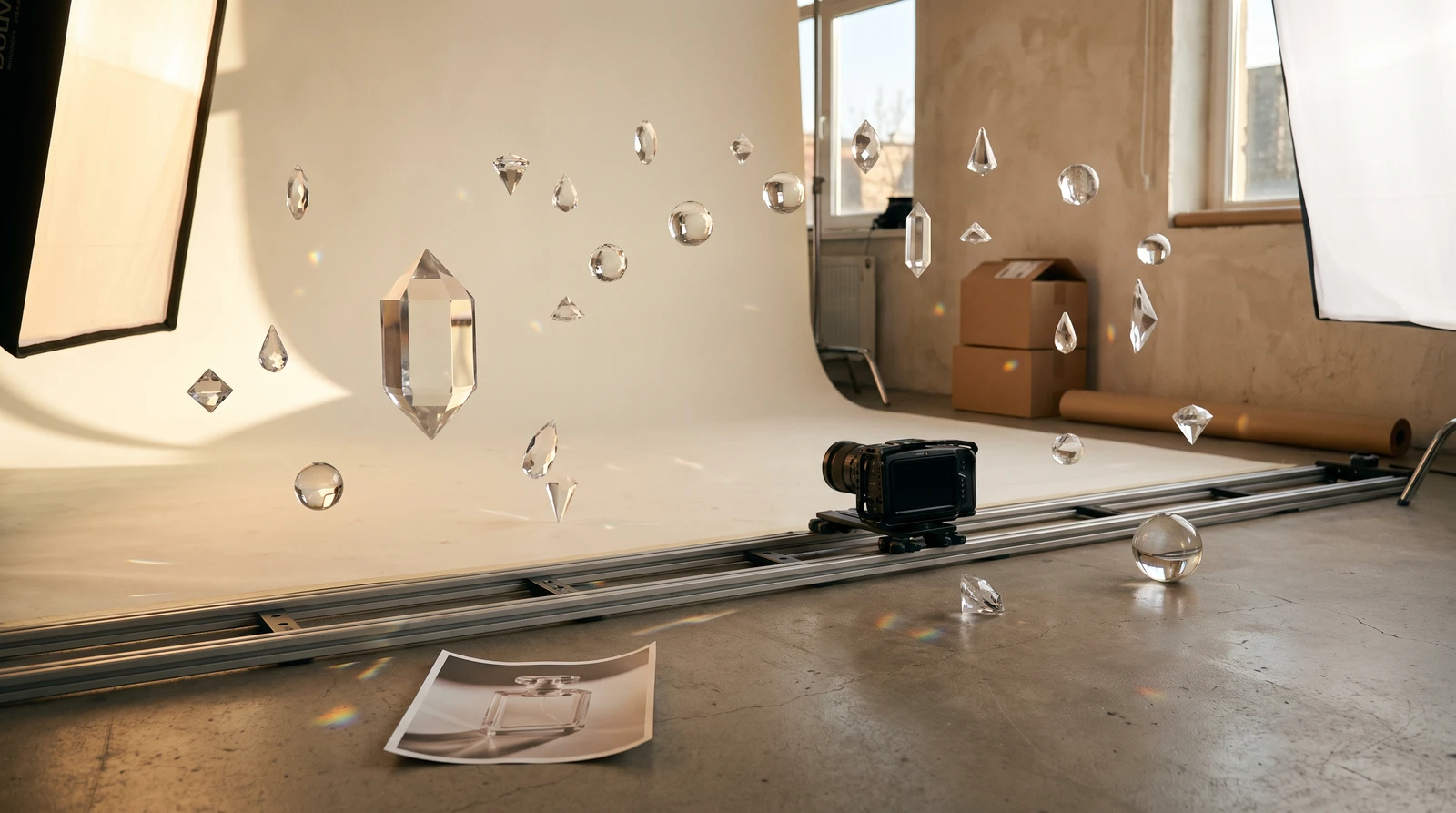
Video from Imagination
Traditional video production requires extensive resources: concept development, storyboarding, shooting, and editing. Each step costs time and money. What if you could skip straight from idea to finished video?
Veo 3.1 Text-to-Video makes that possible. Describe your vision in text, and AI creates a professional video—no source materials needed. This is the power of advanced AI content generation.
Introducing Veo 3.1 Text-to-Video
Veo 3.1 Text-to-Video generates complete videos from text descriptions alone. Describe the scene, motion, lighting, and atmosphere—AI creates a cinematic video from scratch using Google's most advanced video generation technology.
Pure Creative Freedom
No images required. No video footage needed. Just describe your vision in detail, and AI generates it. The most creative freedom possible in video generation.
Prompt Mastery
The complete prompt formula:
[Subject] + [Action/Motion] + [Setting] + [Lighting] + [Camera] + [Style]
Essential Elements
| Element | Purpose | Examples |
|---|---|---|
| Subject | What's in the video | Product, person, scene |
| Motion | What moves and how | Rotates, walks, flows |
| Setting | Environment | Studio, outdoor, abstract |
| Lighting | Mood and visibility | Dramatic, soft, natural |
| Camera | Perspective | Static, orbiting, tracking |
| Style | Overall aesthetic | Commercial, cinematic, minimal |
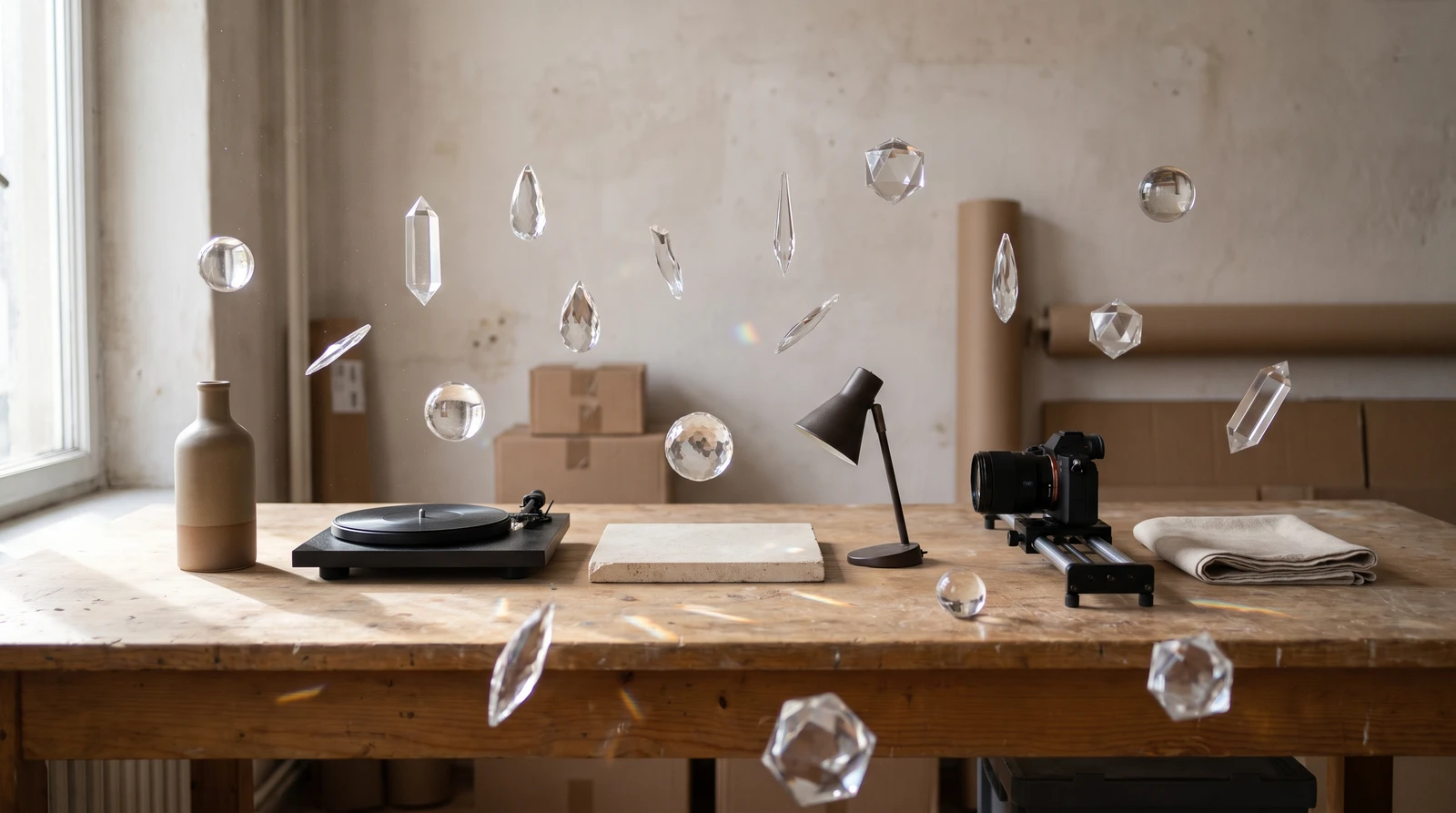
Example Prompts
| Use Case | Prompt |
|---|---|
| Product Commercial | A premium perfume bottle stands elegantly on a marble surface. Camera slowly pushes in while the bottle rotates slightly. Golden liquid catches soft studio lighting. Subtle mist effect around the base. Luxury fragrance commercial style. |
| Tech Product | Modern wireless earbuds case opens smoothly, revealing the earbuds inside. Camera angle shifts from top-down to three-quarter view. Clean white studio with subtle blue accent lighting. Apple-style product reveal. |
| Fashion/Lifestyle | Elegant dress fabric flows and ripples in slow motion as if caught in gentle breeze. Rich jewel-toned color catches dramatic side lighting. Abstract dark background. High-fashion editorial style. |
| Food & Beverage | Fresh coffee being poured into a white ceramic cup in slow motion. Steam rises elegantly. Warm morning light from the side. Rustic wooden table, cozy café atmosphere. Appetizing food commercial style. |
How It Works
How to Generate AI Videos from Text
Create professional videos from text descriptions in four steps.
Write your detailed video description
Compose a prompt using the formula: [Subject] + [Action/Motion] + [Setting] + [Lighting] + [Camera] + [Style]. Be specific about every element.
Add quality and negative prompts
Include quality keywords like 'cinematic quality,' 'professional production.' Add negative prompts to exclude: 'blurry, low quality, choppy motion.'
Configure video settings
Select duration (4, 6, or 8 seconds), aspect ratio (16:9 landscape or 9:16 portrait), and whether to include AI-generated audio.
Generate and iterate
AI creates your video in 2-5 minutes. Generate variations or adjust your prompt for different results.
Negative Prompts
Exclude unwanted elements:
- blurry, low quality, distorted
- ugly, bad composition
- watermark, text overlay
- choppy motion, jittery, unrealistic
Key Features
Duration & Pricing
| Duration | Credits | Best For |
|---|---|---|
| 4 seconds | 400 credits | Quick teasers, Stories, ads |
| 6 seconds | 600 credits | Standard showcases |
| 8 seconds | 800 credits | Detailed scenes, narratives |
Value Comparison
Concept + storyboard: $500+. Video production: $2,000-$20,000. Timeline: days to weeks. Text-to-Video: 400-800 credits in 2-5 minutes.
Quality Keywords
Add to any prompt for better results:
- "cinematic quality" / "professional production"
- "high-end commercial" / "smooth motion"
- "premium aesthetic" / "studio lighting"
Use Cases
Product Launch Videos
Create hero launch videos before products even exist. Perfect for crowdfunding, pre-orders, and investor presentations.

Social Media Ads
Generate eye-catching video ads for Facebook, Instagram, and TikTok campaigns without video production overhead.
Website Backgrounds
Create ambient, looping background videos for homepage hero sections and landing pages.
Concept Visualization
Visualize product concepts, campaign ideas, and creative directions before committing to production.
Getting Started
Veo 3.1 Text-to-Video is available in ecomPro. Master prompt writing by including all six elements, and don't be afraid to iterate—each generation can be a variation to find the perfect result.
Pro Tip
Text-to-Video offers maximum creative freedom, while Image-to-Video offers more control over the source visual. Use Text-to-Video for concepts and abstract content; use Image-to-Video when you have specific imagery to animate.
Start creating AI-generated video content with ecomPro's Veo 3.1 Text-to-Video and bring your creative visions to life.
Frequently Asked Questions
What is Veo 3.1 Text-to-Video?
Veo 3.1 Text-to-Video generates complete professional videos entirely from text descriptions—no images or video footage required. Describe the scene, subject, motion, lighting, and style, and Google's most advanced video AI creates cinematic content from scratch in 2-5 minutes.
What's the difference between Text-to-Video and Image-to-Video?
Text-to-Video generates videos entirely from text descriptions with no source materials needed—maximum creative freedom. Image-to-Video transforms existing images into video, giving you more control over the specific visual starting point. Use Text-to-Video for concepts; Image-to-Video when you have specific imagery to animate.
How do I write effective video generation prompts?
Use the formula: [Subject] + [Action/Motion] + [Setting] + [Lighting] + [Camera] + [Style]. Add quality keywords like 'cinematic quality,' 'professional production,' 'smooth motion.' Also use negative prompts to exclude unwanted elements like 'blurry, low quality, distorted.'
What's the cost of AI video generation vs traditional production?
Traditional video production (concept through editing): $2,000-$20,000+, taking days to weeks. Veo 3.1 Text-to-Video: 400-800 credits (~$4-8), generating in 2-5 minutes. AI enables unlimited creative iteration at a fraction of traditional costs.
Can I use negative prompts in video generation?
Yes, negative prompts help exclude unwanted elements. Common negative prompts include: 'blurry, low quality, distorted, ugly, bad composition, watermark, text overlay, choppy motion, jittery, unrealistic.'
Related Articles

Introducing ecomPro: Advanced AI Image and Video Generation
Access Google Nano Banana Pro for stunning image generation and Veo 3.1 for cinematic video creation. Enterprise-level AI content creation for e-commerce.

AI Background Removal: Clean Product Images in 5 Seconds
Remove backgrounds from product images instantly with AI. Get transparent PNG files ready for any platform. Just 20 credits per image with professional results.

AI Object Removal: Erase Unwanted Items from Photos
Intelligently remove unwanted objects while AI reconstructs the background seamlessly. 12-rule AI system ensures photorealistic results every time.